Northside dental website
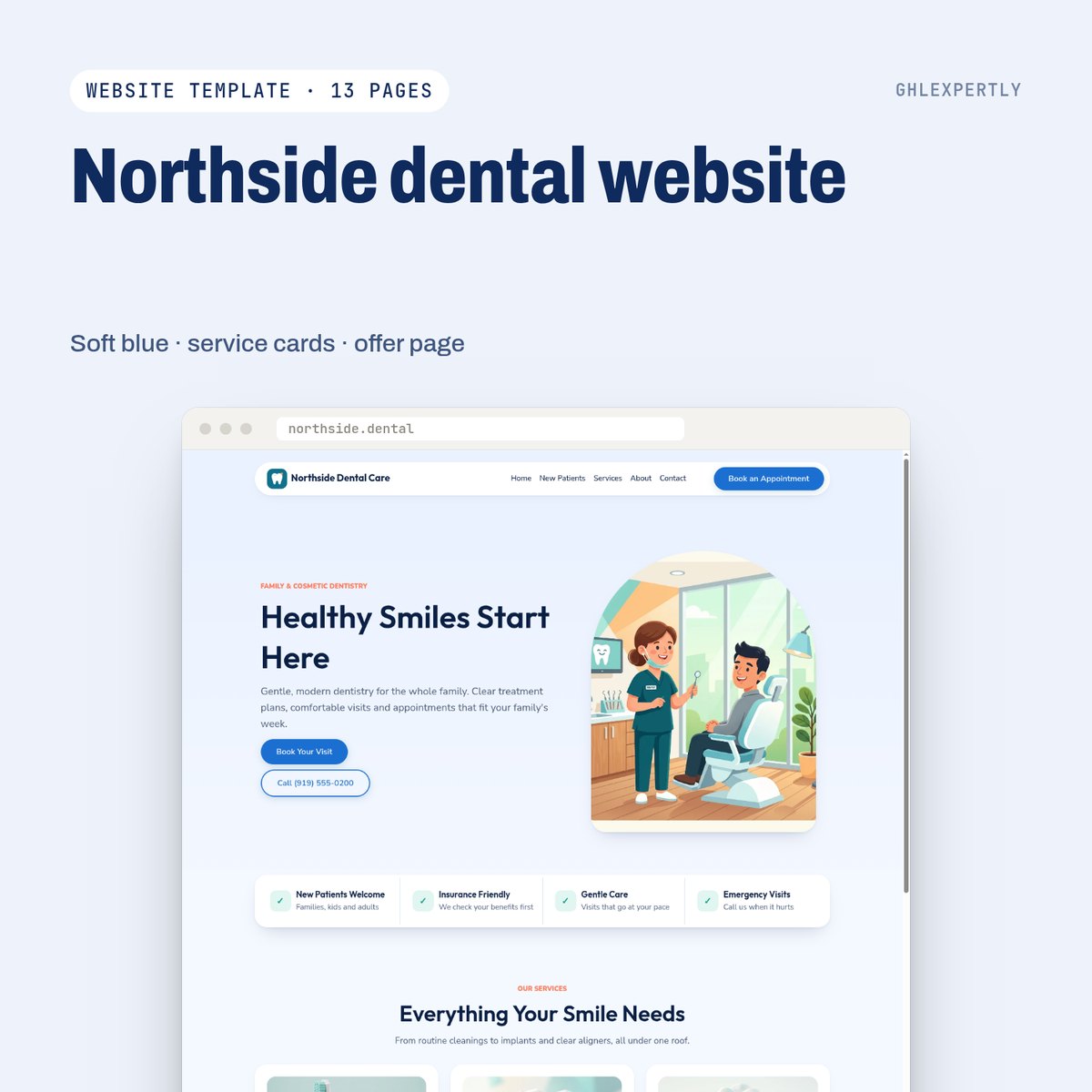
Soft blue, service cards and an offer page built for a new-patient special.
- Arch hero, overlapping feature bar and a native FAQ accordion
- Service cards that read as a menu, not a wall of text
- Ocean blue, navy, mint and coral; Outfit over Nunito Sans
- Emergency path kept visually separate from routine booking
One-time purchase · imported as a mini-snapshot · rebrand through custom values
- Pages
- Home · Services · New patients · About · Contact · Thank you · Special offer
- Built for
- General and cosmetic dental practices.
Live without rebuilding anything
- 01
Import the mini-snapshot
Pages, styles and forms arrive together in your funnels. Use a fresh sub-account if you want to preview it first — an import cannot be undone.
- 02
Fill the custom values
Business name, phone, hours, address, links and the offer. One pass updates every page and form.
- 03
Swap the artwork and copy
Replace the illustrations with your client's own if you have them, and edit the About page, which is the one page nobody can write for you.
- 04
Connect the domain and publish
Point the domain at the funnel, publish, and check the mobile menu and the form redirect once.
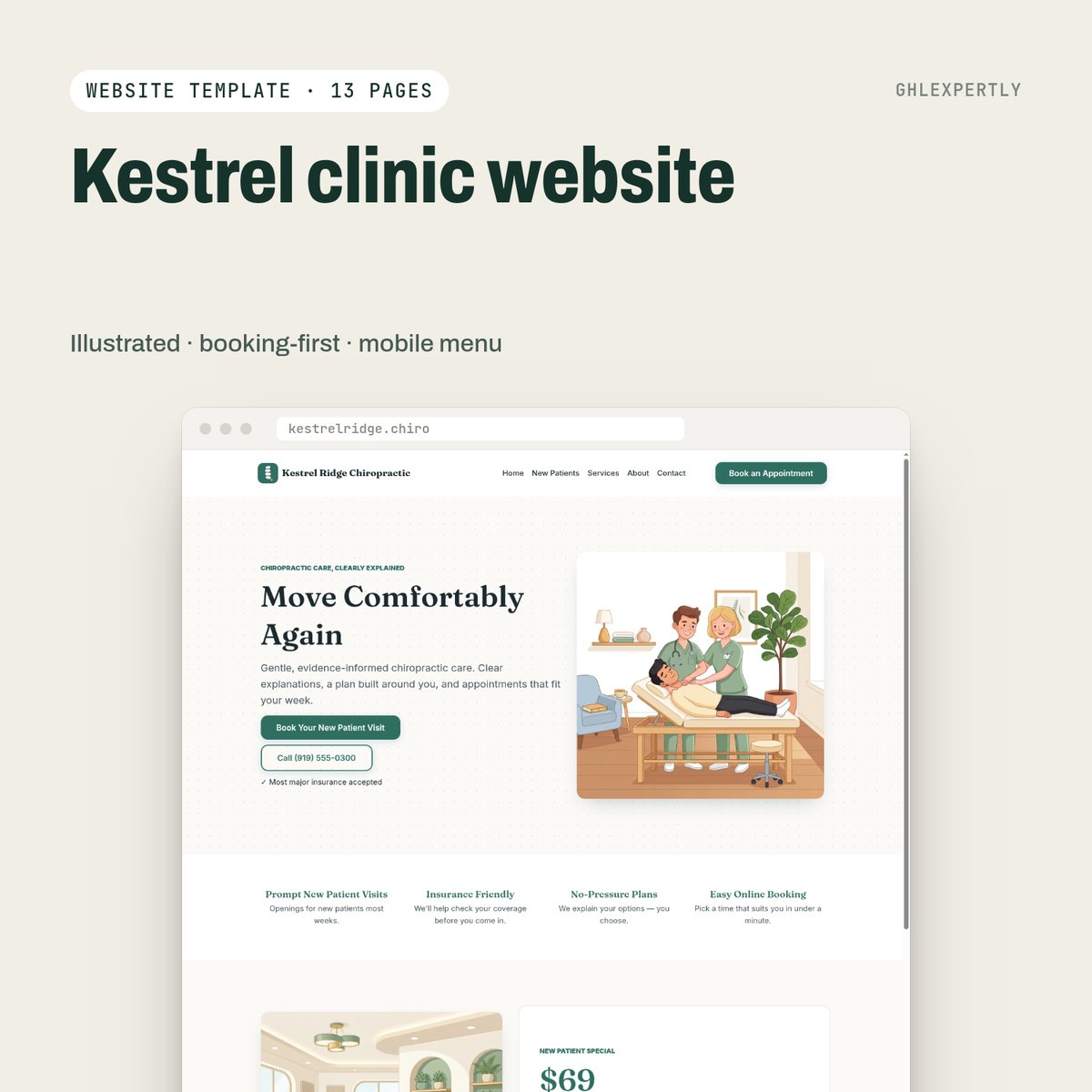
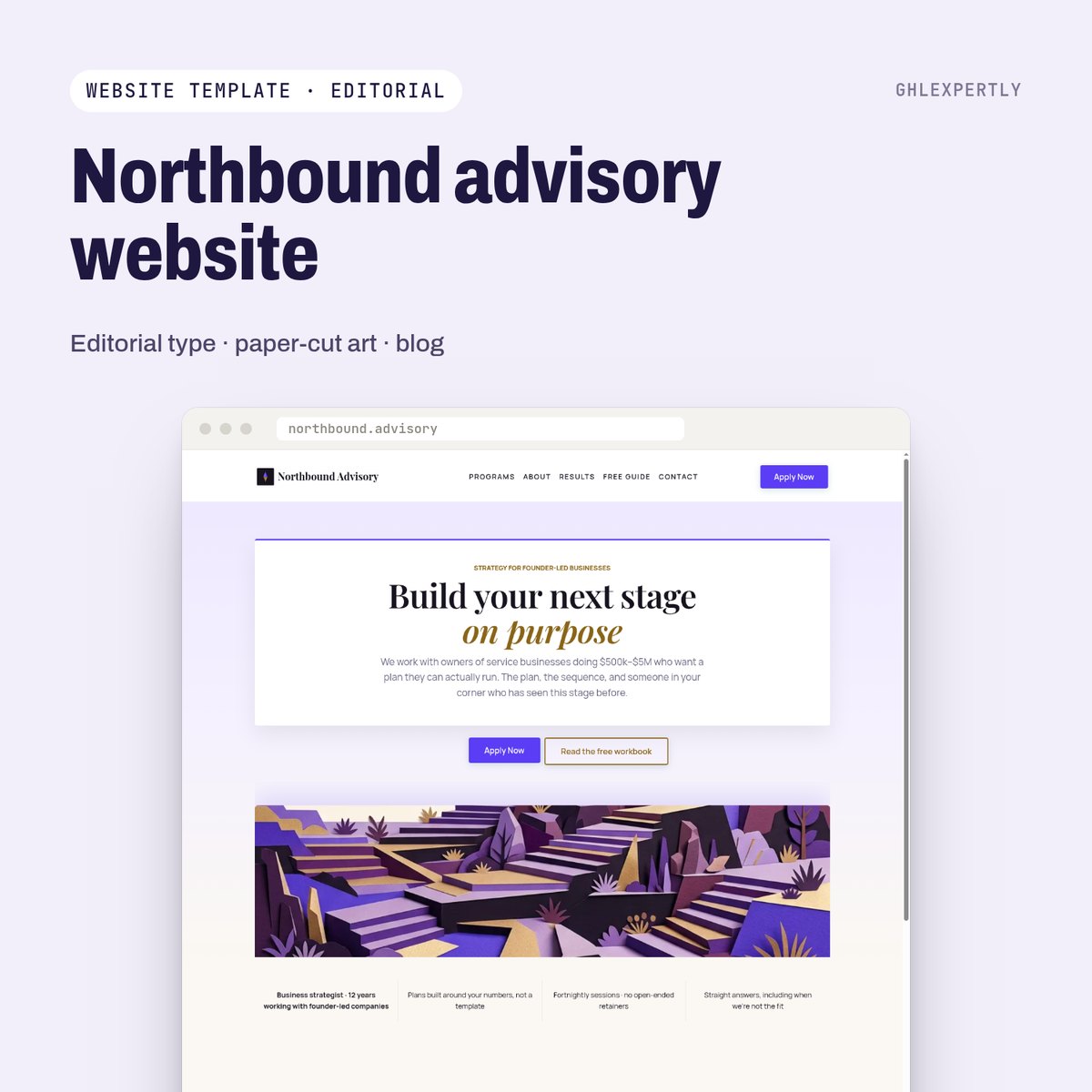
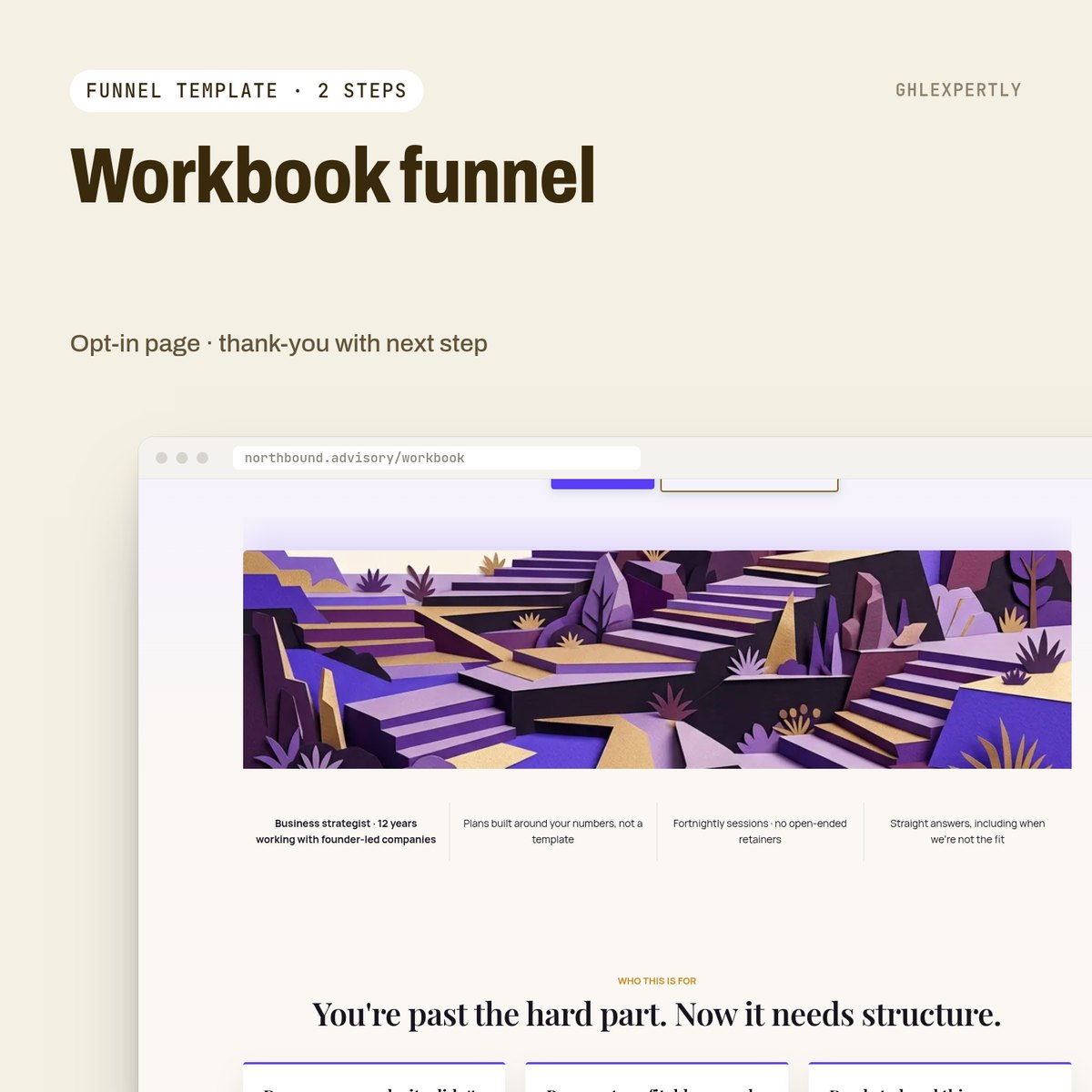
Northside dental website, live this week.
Buy it on the store and import it yourself, or have the whole thing installed, rebranded and pointed at your domain.